

7 Easy WhatsApp Business Tricks to Make Your Shop Better Fast
Hey! If you run a small shop, you must know how tricky it can be to keep all your customers happy. Sometimes they ask the same questions over and over. Sometimes you are too busy to reply on time. I want to share 7 very simple WhatsApp Business tricks that I use, and I promise, anyone can follow them. By the end, you will see how your shop can run smoother and make customers happy.
Table of Contents
1. Make Your Profile Complete
The first thing a customer sees is your profile. Imagine someone new sees your WhatsApp and only your name. They may not trust you. A complete profile makes your shop look professional and safe.
Here’s what I do:
- I add my shop name and a small logo. If you don’t have a logo, just take a clear photo of your shop.
- I write a short description in simple words. For example, “I sell fresh bakery items and homemade sweets in my neighborhood.”
- I add my shop address and timings so customers know when to come.
Tip: Keep it simple and friendly. Don’t write anything too fancy. Customers just want to know what you sell and how to reach you.
2. Show Your Products With Catalog
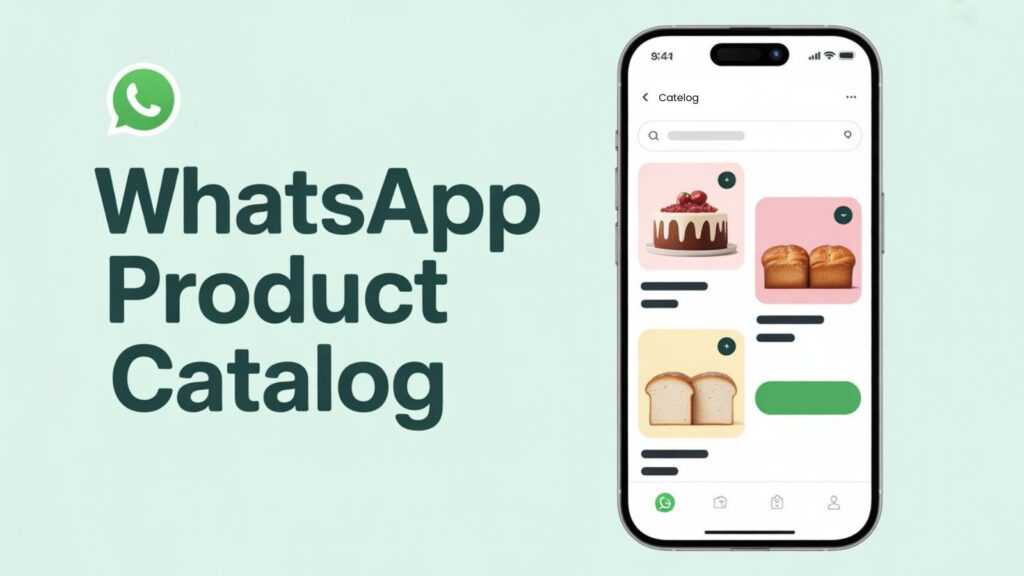
WhatsApp Business has a catalog feature like a mini online store inside WhatsApp. You can show all your products without sending pictures one by one to customers
How I use it:
- I click good photos of each product. Bright and clear pictures work best.
- I write short descriptions and price. Nothing too long.
- I group similar products. For example, “cakes,” “cookies,” “bread.”
Example: One customer wanted to check all the cakes. Instead of sending each one, I just shared my catalog link. She saw everything and ordered in minutes.
It will saves time and make the customers happy because they can see everything at once.
3. Send Automatic Messages
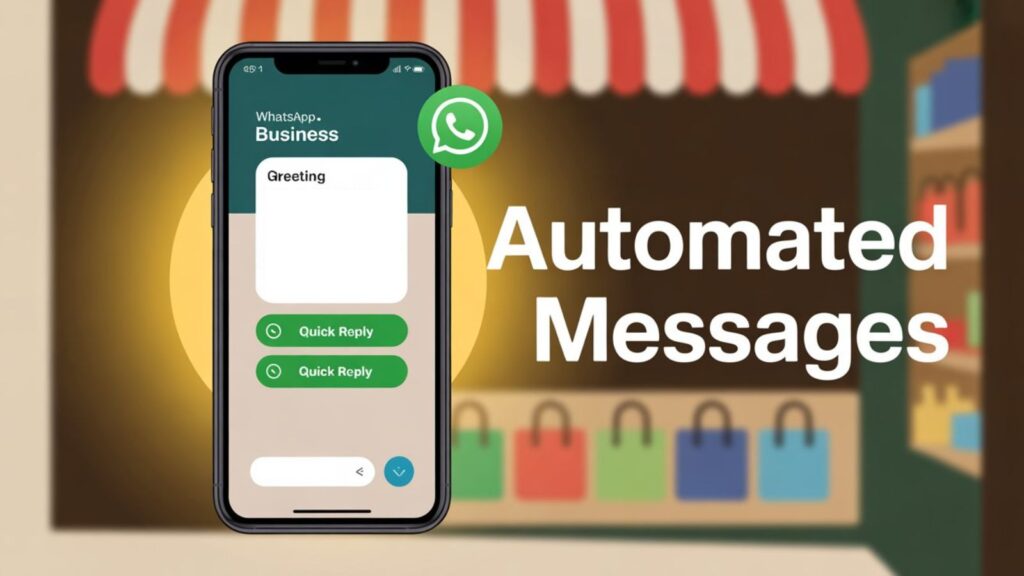
Sometimes you are busy in the shop or doing something else. Customers may text, and you cannot reply immediately. WhatsApp Business lets you send automatic messages, which helps a lot.
I use three types:
- Greeting message: When someone texts first time, I send: “Hi! Thanks for contacting [shop name]. How can I help you today?”
- Away message: If I am not available or I am busy in work, WhatsApp will automatically sends: “Sorry, we are closed right now. We will reply soon.”
- Quick replies: I save common answers like “The chocolate cake costs 500 INR” or “We deliver within 2 km.”
Tip: Automatic messages make your shop look active and professional, even when you are busy.
4. Use Labels to Organize Customers
When you have many customers, it’s easy to forget who is who. WhatsApp Business has labels to help.
I label my customers as:
- “New Customer”
- “Regular Buyer”
- “Pending Payment”
Later, if I want to send a special offer, I can send it only to “Regular Buyers.”
Example: One of my regular cake customers loves chocolate. I sent her a message about a new chocolate cake first, and she ordered immediately. She felt special because the message was for her.
Labels help you manage your shop and make customers feel important.
5. Share Offers Smartly
WhatsApp is very powerful to share offers, but don’t spam. People can get annoyed. Here’s how I do it:
- I send short messages about deals. Example: “Buy 1 Get 1 Free today only.”
- I don’t send too many messages. One or two updates per week is enough.
- Always add a friendly note like “We made this for you!”
Example: I had extra cookies, so I sent a short message to nearby customers. Almost all of them ordered. Short, simple, friendly.
6. Link WhatsApp to Your Website and Social Media
If you have Instagram, Facebook, or a small website, link WhatsApp to them. Customers like easy ways to contact you.
How I do it:
- On Instagram posts, I put a button: “Message us on WhatsApp.”
- On my website, I added a click-to-chat link.
- Even new customers who saw my Facebook page can start chatting instantly.
This makes your shop look modern and reachable. People like it when contacting is easy.
7. Use Broadcast Lists for Updates
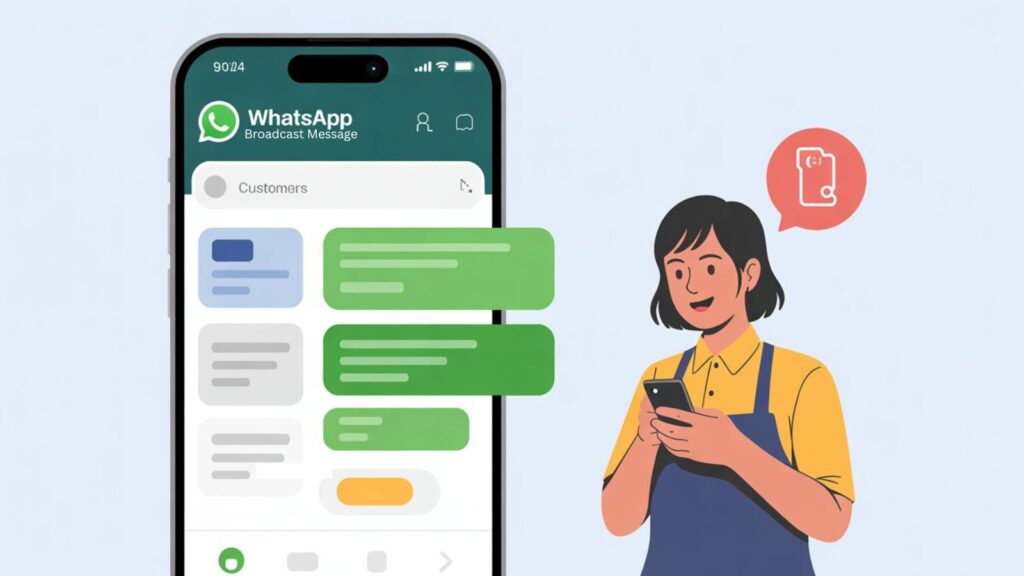
Broadcast lists let you send messages to many customers at once without them seeing each other. I use them for:
- New products
- Special offers
- Important news
I always personalize messages, like: “Hi! We have fresh chocolate cupcakes today. Come try them!”
Tip: Don’t overdo it. Once or twice a week is enough. Too many messages can annoy people.
Extra Tips I Use
- Reply fast: Customers love fast replies.
- Good photos: Clear and bright pictures make products sell faster.
- Ask feedback: Customers love when you care. It also helps improve your shop.
- Keep it friendly: Don’t sound too formal. Friendly messages feel personal.
- Be consistent: Small steps every day make a big difference.
FAQs About WhatsApp Business
Q1: Can I use WhatsApp Business and normal WhatsApp on the same phone?
Yes, you can. Just use different numbers for both apps.
Q2: Is WhatsApp Business free to use?
Yes, it is free. Some extra tools can may cost money, but normal features are free.
Q3: How many products can I add to the catalog?
Up to 500 products or services.
Q4: Will customers trust my shop if I use WhatsApp Business?
Yes! A complete profile, clear description, and pictures build trust.
Q5: Can I automate messages without coding?
Yes. WhatsApp Business has built-in options for greeting, away, and quick replies which saves a lot of time.
Q6: Can I use broadcast messages for everyone?
Yes, but your customers must have your number saved. Otherwise, they won’t get your broadcast.
Final Words
Using WhatsApp Business tricks can make your shop faster, smarter, and more friendly. Start with your profile, then you have to add catalog, automatic messages, labels, and smart promotions.
The key is to talk to your customers in a simple and friendly way which will make trust. Be consistent and patient. Over time, you will see your shop grow, customers happy, and sales increase.
Remember, small steps every day work better than rushing everything at once. Start today, and slowly use all these tricks.
If you want to learn more about using WhatsApp Business features effectively, check out this official guide by WhatsApp: WhatsApp Business Guide.
Also Read: