10 Powerful Gemini Nano Prompts You Must Try Today
Okay, so you’ve probably heard about Gemini Nano, right? It’s that super cool AI tool that’s blowing up right now. Forget those basic Instagram filters. This thing is different. You give it one of your own photos and then tell it what to create. It’s like having a magic art genie!
But here’s the real secret everyone figures out: you gotta know how to talk to it. If you just say “make it cool,” you might get something a bit boring. But if you give it a really good, detailed description? That’s when the magic happens and you get images that’ll make your jaw drop.Its The power of Gemini Nano.
I got tired of the same old ideas, so I put together a list of 10 awesome Gemini Nano prompts you can use. For each one, there’s a quick and simple version, and then a much richer, detailed version for when you really want to wow your friends.
Table of Contents
Why You Should Try Unique Prompts for Gemini Nano
Let’s be real, everyone and their grandma is trying this out now. And most people are using the same boring creative prompts for Gemini Nano, like “turn me into an anime character.” You’ll get a result, but it’ll probably look like everyone else’s.
Using unique Gemini Nano prompts is the key to getting something special. It helps you:
- Create images that are actually unique to you.
- Dive into fun styles, whether you love that retro 80s vibe or a shiny futuristic look.
- Let your personality shine through.
- Post something on social media that will actually make people stop scrolling.
So, let’s check out these 10 best Gemini Nano ideas that are way more fun than the usual stuff.
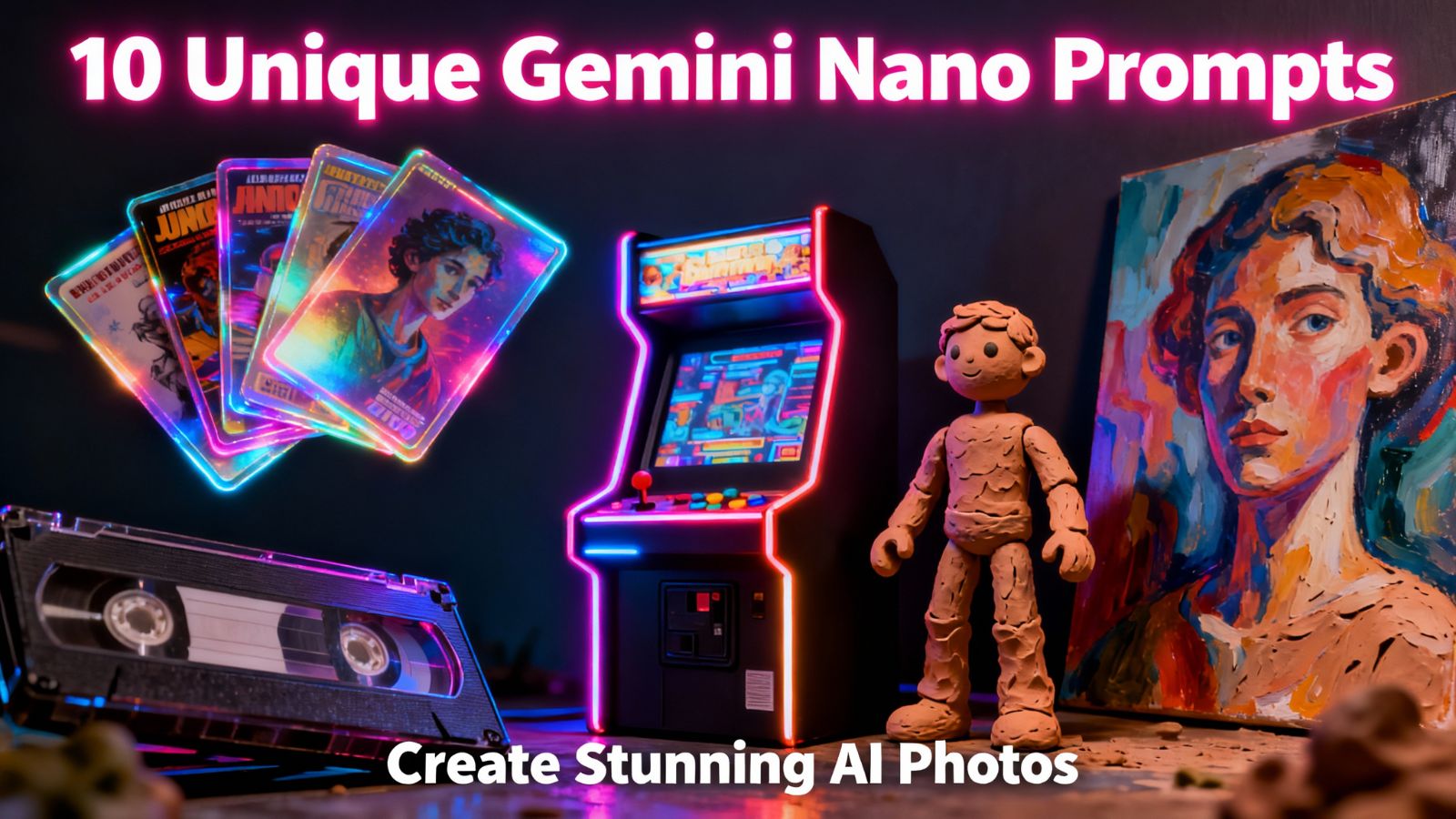
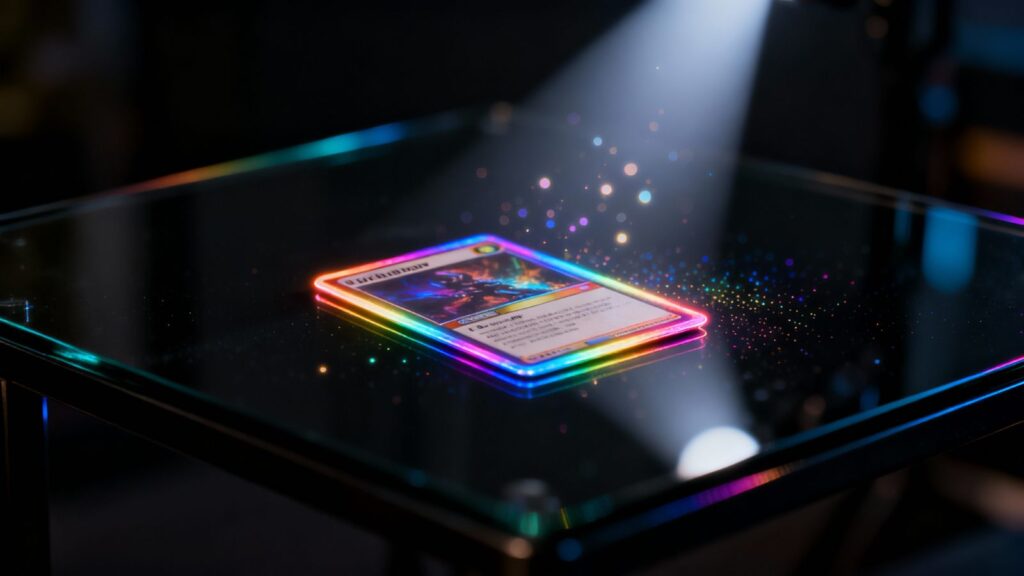
1. Hologram Trading Card
Short Prompt:
“Make my photo look like one of those shiny, see-through trading cards with rainbow edges, like it’s lying on a fancy glass table.”
Detailed Version:
“I want my portrait to look like a super rare trading card from the future. Imagine it’s made of light, like a hologram, with edges that shimmer with rainbow colors. Place it on a really slick, black glass table with a single bright light shining down on it, like it’s in a museum. Throw in a few tiny, floating light particles to make the hologram effect really pop. Let’s keep the card clean with no text on it.”
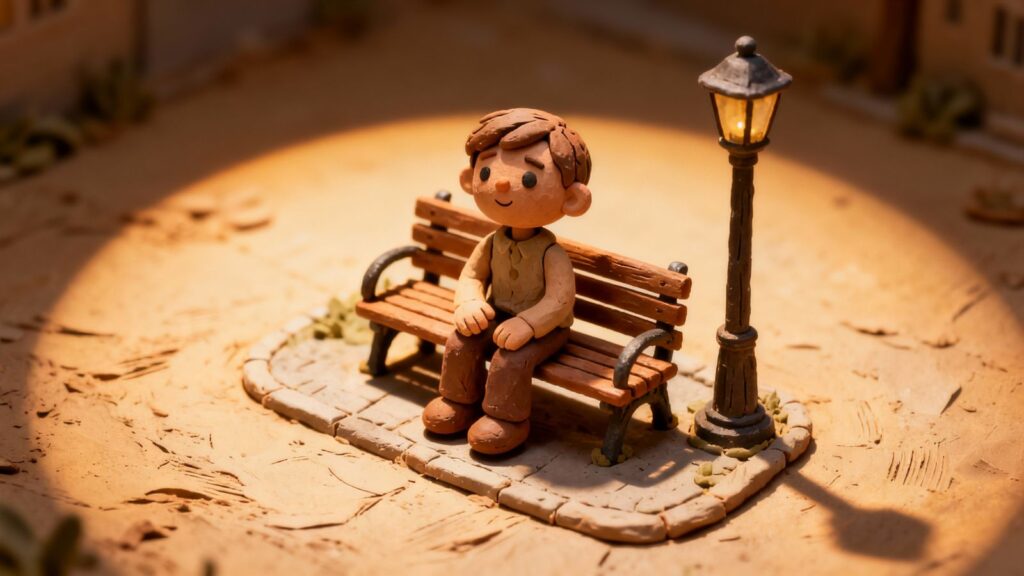
2. Clay Stop-Motion Diorama
Short Prompt:
“Turn me into a claymation figure, like I’m in a movie from Aardman Animations.”
Detailed Version:
“Transform my photo so I look like I’m made of clay. I want to see the texture—like you can see fingerprints and marks from the sculpting tools. Put my clay-figure self on a tiny, detailed set with miniature props, like a little park bench or a tiny lamppost. Use a strong, dramatic light from above to really show off all the clay folds and shadows. The background should look like a handmade movie set.”
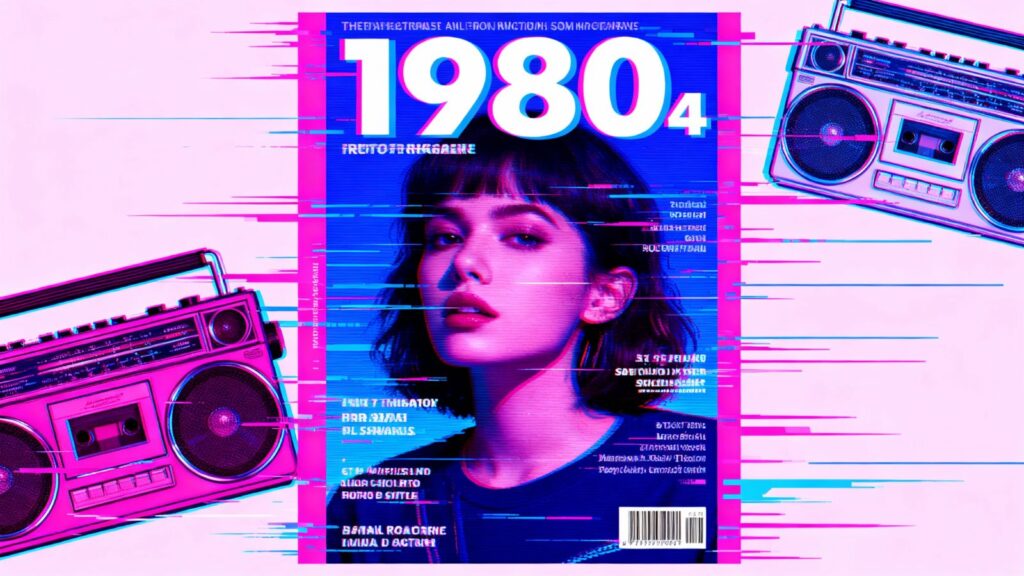
3. Retro VHS Magazine Cover
Short Prompt:
“Make it look like my face is on the cover of a beat-up 1980s magazine, with that classic VHS tape fuzz.”
Detailed Version:
“Recreate my portrait as the cover star of a magazine from 1985. Give it that grainy, slightly wobbly look of an old VHS tape. Go wild with neon colors—think bright pinks, blues, and yellows. Scatter some classic 80s tech around the edges, like a boombox or a cassette tape. Add some bold, cheesy headlines in a rad retro font to make it look legit.”
4. Pixel Arcade Character
Short Prompt:
“Turn me into a character from an old 8-bit arcade game, right there on the screen.”
Detailed Version:
“Make my face all blocky and pixelated, like a hero from an old-school video game. Put me inside the glowing screen of an arcade cabinet. I want to see some classic pixel art, like floating coins or little fireballs, maybe even a high-score counter. The arcade machine itself should look a little worn, with scuffs and glowing neon trim.”
5. Luxury Perfume Ad
Short Prompt:
“Style my photo like I’m in a super fancy, minimalist perfume advertisement.”
Detailed Version:
“I want my picture to look like a high-end perfume ad you’d see in a glossy magazine. Place a beautiful, reflective glass perfume bottle in the foreground, and make sure my face is mirrored in the glass. Keep the background simple and dark with soft, elegant lighting. Add some wisps of smoky scent and a little bit of sleek, gold text.”
6. Cyberpunk Holographic ID
Short Prompt:
“Create a glitchy, neon-lit ID badge for me from a futuristic city.”
Detailed Version:
“Generate a futuristic identity card for a cyberpunk world using my photo. Make it look like a blue, translucent hologram with digital static and glitch effects over it. The text (like a name and number) should look like it’s made of light, hovering just above the card. For the background, show a rainy city street at night, packed with glowing neon signs.”
7. Retro Sci-Fi Movie Poster
Short Prompt:
“Make a movie poster for a cheesy 1970s sci-fi film starring me.”
Detailed Version:
“Turn my portrait into the lead on a sci-fi movie poster from the 1970s. Give it that cool, hand-painted look with a slightly rough texture. The title should be in big, bold, spacey letters. Behind me, add a crazy space scene with chunky spaceships, weird alien planets, and laser beams everywhere.”
8. Miniature Board Game Character
Short Prompt:
“Make me look like a finely painted miniature from a tabletop game like Dungeons & Dragons.”
Detailed Version:
“Shrink me down into a detailed, painted miniature figurine. Place me on a grassy game-board tile. Surround me with other game pieces—like a scatter of dice, a few cards, and a tiny treasure chest. The lighting should make it look real, like a photo taken of an actual game setup on a wooden table.”
9. Futuristic Album Cover
Short Prompt:
“Design a sleek, electronic music album cover with my face for a DJ.”
Detailed Version:
“Use my photo to create the cover art for a futuristic synth-wave album. Blend my face with neon color gradients and cool digital distortion effects. Have geometric soundwave patterns floating in the background against a dark, abstract city skyline. For a touch of realism, stick a small ‘Parental Advisory’ label in one corner.”
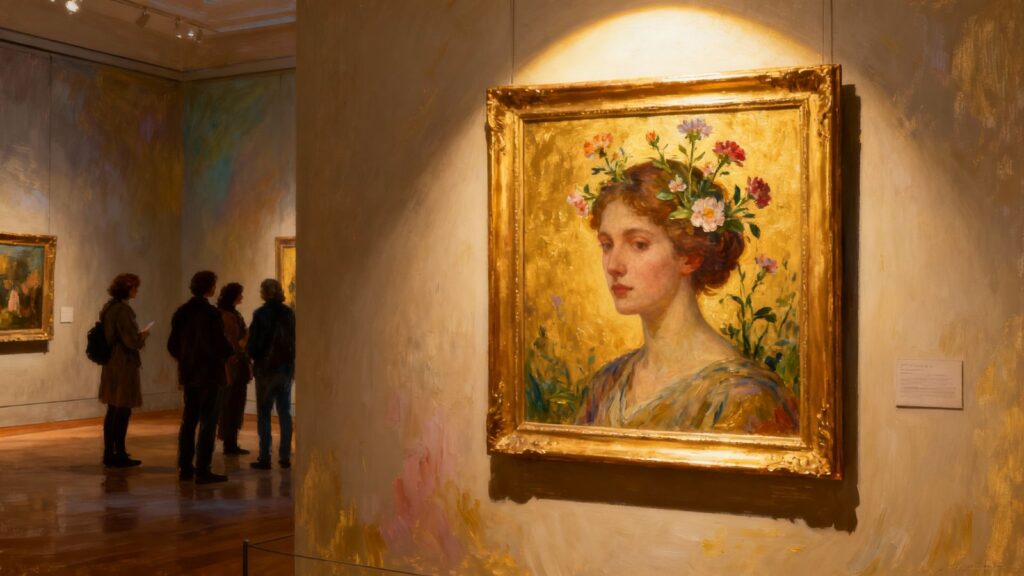
10. Surreal Painting in a Museum
Short Prompt:
“Make my photo look like a strange, beautiful painting hanging in a quiet art gallery.”
Detailed Version:
“Transform my portrait into a surrealist oil painting. I want to see the texture of the brushstrokes and maybe something a little dreamlike, like flowers growing from my hair. Now, picture that painting hanging in a simple gold frame on a museum wall, with a soft spotlight on it. Show a couple of people in the foreground, looking up at it quietly.”
A Few Quick Tips for Getting Started
- Details are everything: The more you describe, the better. Instead of “futuristic,” try “a hologram on a wet city street.”
- Think about lighting: Words like “dramatic spotlight,” “soft sunset glow,” or “bright neon sign” change the whole mood.
- Don’t be afraid to mix things up: What would a retro AI art clay figure look like? Experimenting is the best part!
- Keep a list: When you find a prompt that works great, write it down! You can always change it a bit next time.
To Wrap It Up
Gemini Nano is honestly one of the most fun AI photo transformation tools out there. These easy Gemini Nano prompts for beginners are your ticket to creating something truly unique. So go ahead, pick one, and see what you can create. You might just surprise yourself
To sharpen your prompt skills, take a look at Adobe Firefly’s guide on writing effective text prompts. It shows how choosing the right details, adjectives, and structure can transform your images. Use those ideas even when using Gemini Nano — clarity and precision always help.
Disclaimer
These Gemini Nano prompts are for creative and personal use only. Avoid using copyrighted images or content that may cause harm.
Also Read Our Other Article: Best Blogging Niches , Youtube Shorts Tips