
7 Shocking Secrets of Cybersecurity for Small Businesses
Hey — this is a simple, clear guide about cybersecurity for small businesses. I will explain things like I’m talking to a friend. No big words. No fluff. Just easy steps you can use today to protect your business.
Cybersecurity for Small Businesses: Why this matters
Small businesses get targeted a lot. Hackers look for easy doors. If one of your accounts or devices is weak, it can cause big you problems — lost money, stolen customer data, and damage to your reputation. But you do not need to be a tech expert. Small changes can make your business much safer.
Start with these quick wins. Each one is easy to do and really helps.
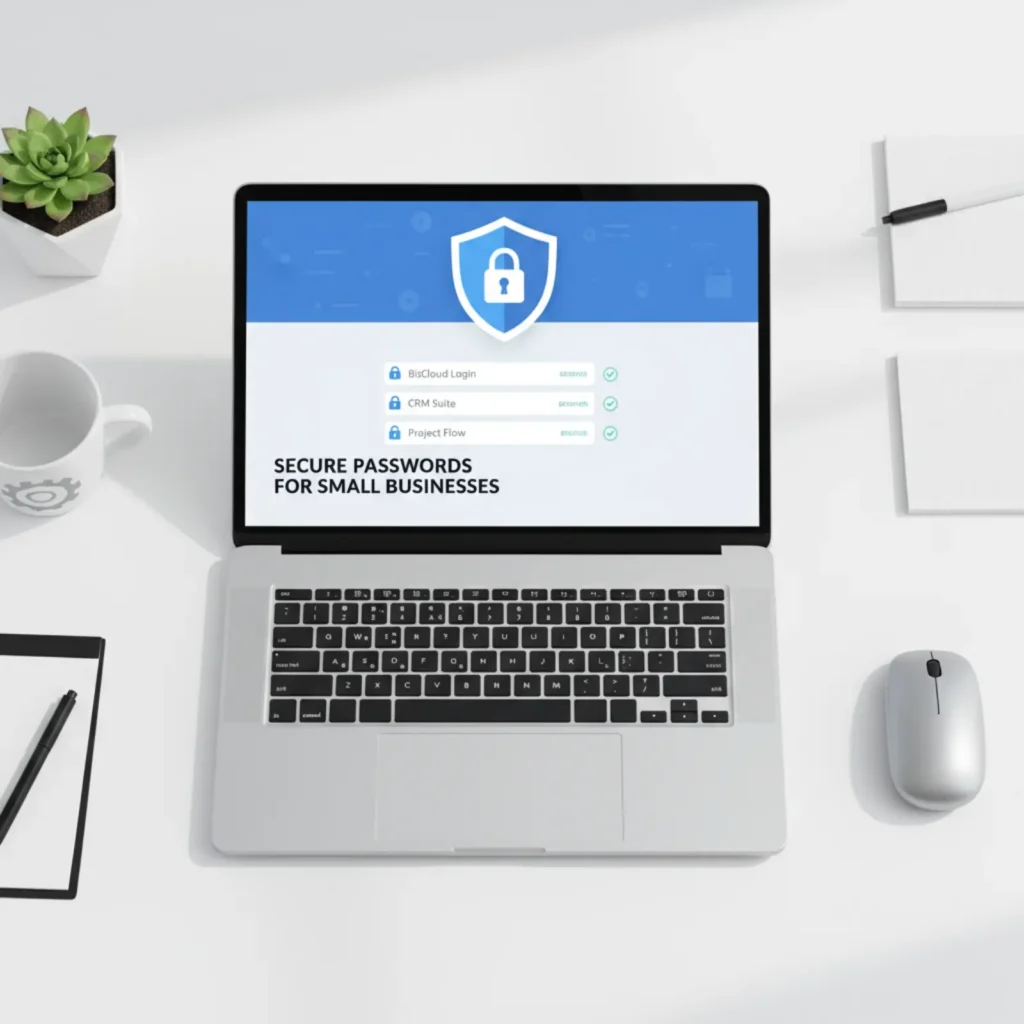
1) Use strong passwords and a password manager
Passwords are the first door. Many people use weak or repeated passwords. That is dangerous.
What to do:
- Make a long password for each account. Use a mix of letters and numbers. But you do not need to remember all.
- Use a password manager (it stores passwords safely). It can make long, random passwords for you.
- Turn off writing passwords on paper or sticky notes on your desk.
Why it helps:
A password manager stops reusing the same password. If one account is hacked, other accounts stay safe.
2) Turn on multi-factor authentication (MFA)
MFA adds an extra check when someone logs in. It asks for something extra — like a code from your phone.
What to do:
- Turn on MFA for email, banking, cloud storage, and any admin accounts.
- Use an authenticator app (like Google Authenticator or similar) instead of SMS when possible. Apps are safer than text messages.
Why it helps:
Even if a hacker gets a password, they still need the second step. This blocks many attacks.
3) Keep software and devices updated
Old software has known holes. Hackers use those holes to get in.
What to do:
- Turn on automatic updates for your computers, phones, and tablets.
- Update your business apps and website software (CMS, plugins, themes).
- If an update is not available automatically, set a day each week to check and update.
Why it helps:
Updates fix security holes. Updating is simple and one of the best ways to stay safe.
4) Back up your data regularly
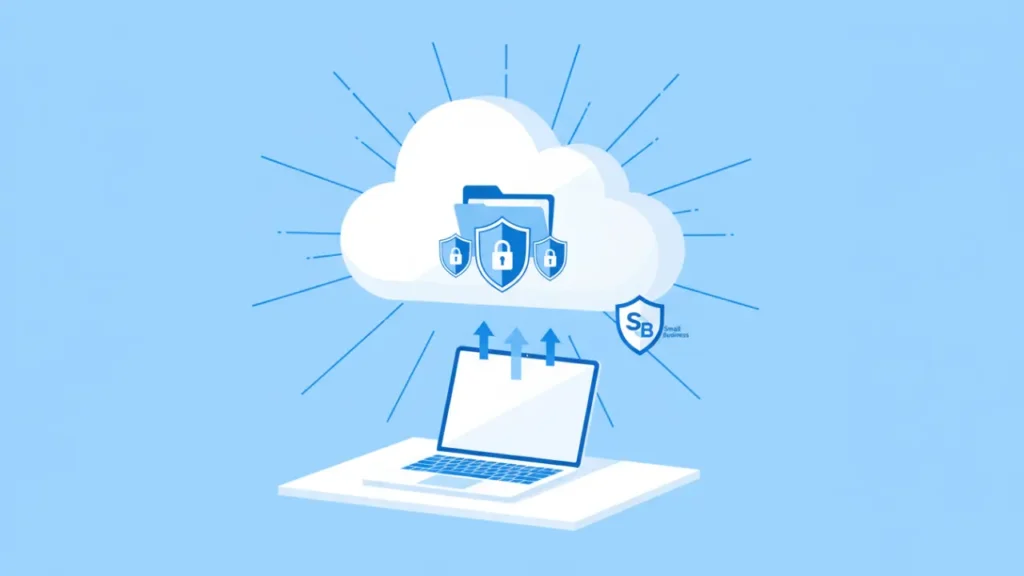
A backup is a copy of your important files. If files are lost or encrypted by ransomware, backups save you.
What to do:
- Back up to the cloud and also keep a local copy if possible.
- Use the 3-2-1 rule: 3 copies of data, on 2 different media, 1 copy off-site (cloud).
- Test your backups once in a while to make sure you can restore files.
Why it helps:
Backups let you recover quickly from accidents, malware, or device failure without paying a ransom.
5) Train your team about phishing and safe email habits
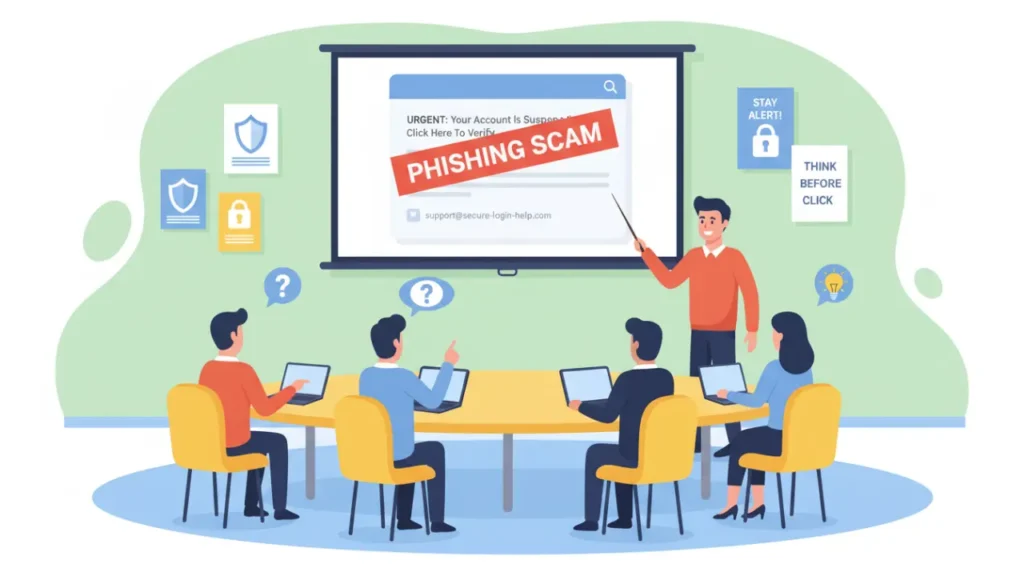
Most attacks start with an email. A fake email may ask for a login, ask to click a link, or open an attachment.
What to do:
- Teach staff to pause and think before clicking links or downloading files.
- Show examples of phishing emails: urgent language, bad spelling, unknown sender, strange links.
- Encourage staff to report suspicious emails to you or your IT person.
Why it helps:
People are the strongest defense if they know what to look for. A quick training session can stop many attacks.
6) Secure your Wi-Fi and use separate networks
An open or weak Wi-Fi lets outsiders join your network easily.
What to do:
- Change the default Wi-Fi name and password from the router’s default.
- Use WPA3 or WPA2 encryption on your Wi-Fi.
- Create a guest Wi-Fi for customers and visitors. Keep your business devices on a private network.
Why it helps:
A secure Wi-Fi stops strangers from connecting and seeing your traffic or devices.
7) Use simple security tools: antivirus, firewall, and device locks
You don’t need fancy gear. Basic tools help a lot.
What to do:
- Install reputable antivirus on all computers and phones if available. Keep it updated.
- Turn on the built-in firewall on each device and on your router.
- Use full-disk encryption on laptops and phones if possible.
- Set devices to lock automatically when idle and use strong screen locks.
Why it helps:
These tools stop common threats and protect devices if they are lost or stolen.
Extra steps that add strong protection
8) Limit access and use least privilege
Give staff only the access they need. Do not give admin rights to everyone.
What to do:
- Create separate user accounts. Use admin accounts only for admin tasks.
- Remove access when someone leaves the company or changes jobs.
- Review user permissions every few months.
Why it helps:
Fewer people with full access means fewer chances for accidents or abuse.
9) Protect customer data with simple rules
If you store customer data, treat it carefully.
What to do:
- Keep only the data you need. Delete old or unused data.
- Use secure services for payments (don’t store full card data unless you must).
- Use encryption for sensitive data when possible.
Why it helps:
Less data means less risk. If a breach happens, less data is exposed.
10) Secure your website and cloud accounts
Your website and cloud apps are prime targets.
What to do:
- Use strong passwords and MFA for admin access.
- Keep CMS and plugins updated. Remove plugins you do not use.
- Choose a trusted hosting provider with security features like SSL, backups, and DDoS protection.
Why it helps:
A hacked website can spread malware or expose customer data. Protecting it keeps customers and your reputation safe.
11) Make a simple incident plan
Prepare for the worst. A small plan helps you act fast.
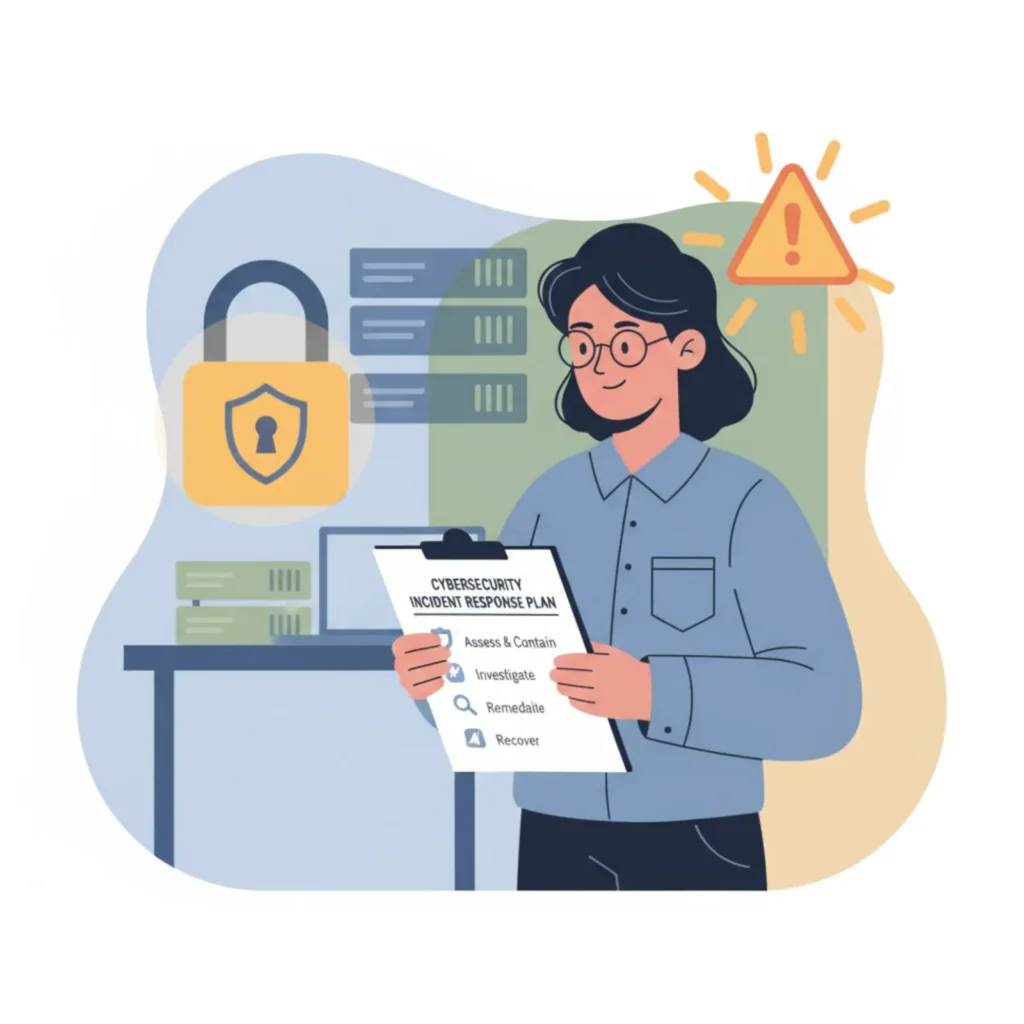
What to do:
- Decide who to call if something bad happens (IT person, bank, lawyer).
- Keep a list of important accounts and phone numbers in a safe place.
- Practice the steps: isolate infected device, change passwords, notify affected customers if needed.
Why it helps:
When something happens, a calm and quick response reduces damage and cost.
12) Use secure payment tools
Payment data is a big target.
What to do:
- Use trusted payment processors (they take care of most security).
- Do not store full credit card numbers unless you must. If you must, use compliant platforms.
Why it helps:
Good payment tools reduce the chance of theft and legal trouble.
13) Check vendors and partners
Your suppliers can be a way in for attackers.
What to do:
- Ask vendors about their security practices.
- Limit the data you share with them.
- Use contracts that require basic security standards.
Why it helps:
A weak vendor can put you at risk even if you are secure.
14) Keep simple records of what you do
Write down the security steps you have taken.
What to do:
- Keep passwords stored in a password manager site for your business accounts.
- Note when you updated software, who has admin access, and where backups are stored.
- Keep an inventory of devices and software licenses.
Why it helps:
Good records save time during audits and investigations. They also show customers you care about security.
Common small business mistakes to avoid
- Using the same password everywhere.
- Ignoring updates and backups.
- Giving admin rights to everyone.
- Thinking “it won’t happen to us.” Small businesses are targets because they are easier to hack.
How much will this cost?
Security does not have to be expensive. Many good steps are low cost:
- Password managers and MFA apps are cheap or free.
- Cloud backups are affordable.
- Basic antivirus and secure hosting have low monthly fees.
If you need more, consult a trusted IT person. Start with the low-cost wins first.
How to start today — a 5-minute checklist
If you want to act now, do these five things in five minutes:
- Turn on MFA for your main email.
- Change any weak or repeated password to a new strong one.
- Turn on automatic updates on your main computer.
- Make a backup of one important file to the cloud.
- Tell your team to watch out for phishing emails this week.
This short list will already make your business safer.
FAQs (short and helpful)
Q: I am not technical. Can I still do these steps?
A: Yes. Most steps are simple. Use a password manager and ask your bank or hosting company for help if you need it.
Q: What if I don’t have an IT person?
A: Start with the basics: strong passwords, MFA, updates, backups. You can also hire a small IT service for hourly help.
Q: How often should I back up data?
A: Daily for important files, weekly for less critical files. The cloud can automate this.
Q: Is antivirus enough?
A: Antivirus helps, but combine it with updates, MFA, backups, and staff training for best protection.
Q: Do I need cyber insurance?
A: Cyber insurance can help with costs after a breach. Look into it once you have the basics in place.
Final Thought
You do not need to do everything at once. Start with one or two items and add more later. Security is a habit. Small good habits add up and keep your business safe.
The Federal Trade Commission (FTC) Small Business Cybersecurity Page also offers free tools and checklists to help small businesses protect customer data.
Disclaimer: This article is for basic guidance only. It is not legal or professional IT advice. For complex cases, compliance needs, or serious incidents, please consult a qualified IT or legal professional.
Also Read: